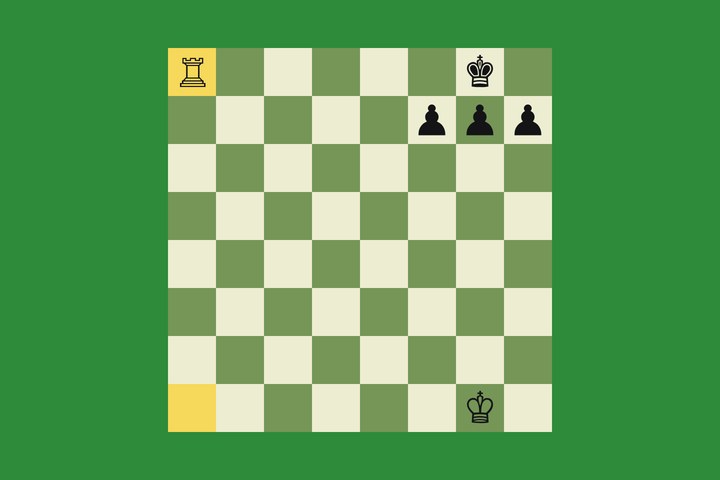
Duolingo
Every course, chess and math, around the clock. The streak never breaks.
 Duke
Duke
An autopilot for games
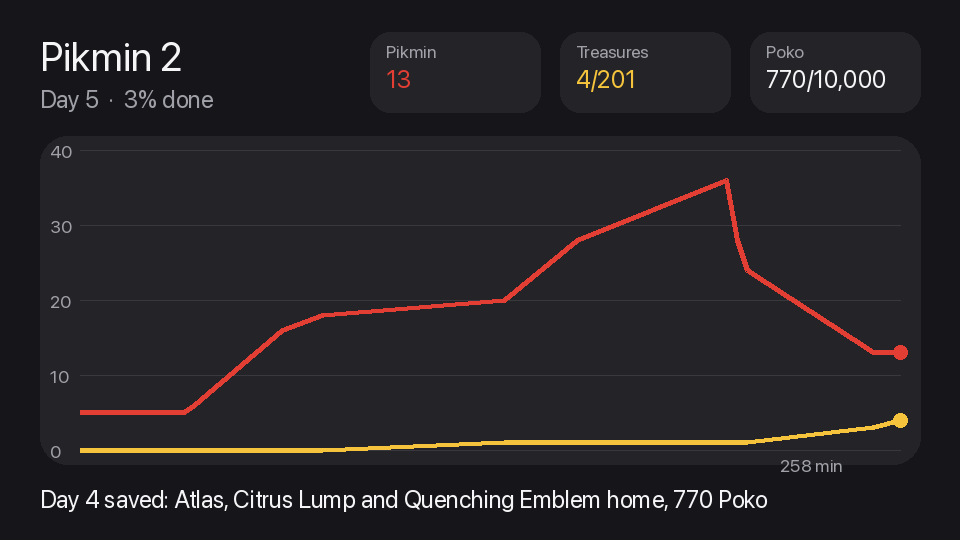
Games and software on autopilot: Duolingo, Factorio, Game Dev Tycoon, FEZ, Papers, Please, Oxygen Not Included, Pokemon Sapphire and Pikmin 2.
Each game gets its own bridge: a mod, the save file, the game's own code read before any move. It plays for real. No cheats, no finished saves.
Every course, chess and math, around the clock. The streak never breaks.
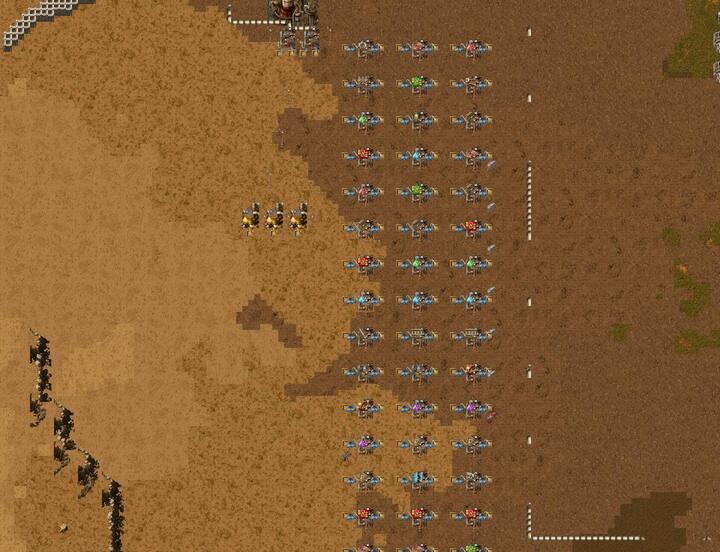
Beaten. A rocket launched from a base it built itself, through the game's own API.
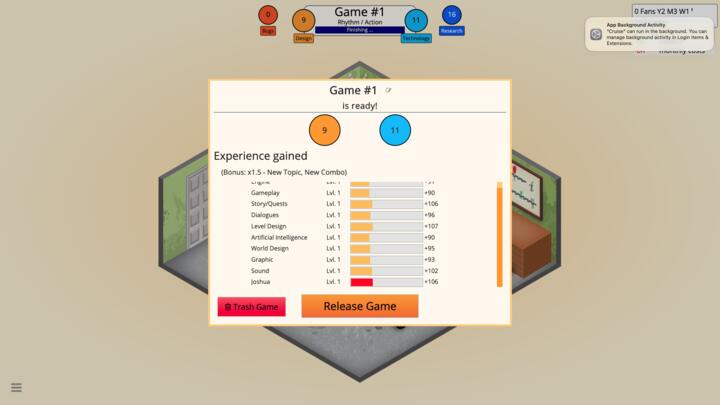
Running a studio in its own save slot, through a bridge mod.
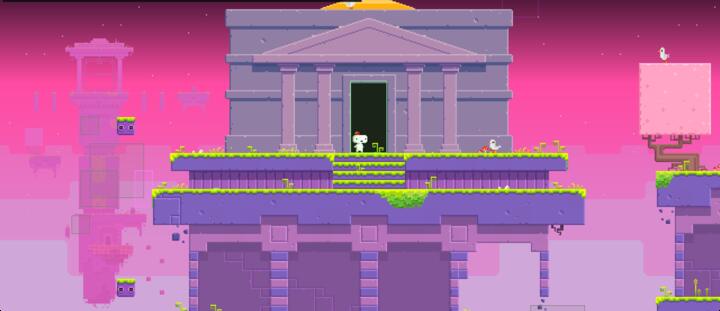
Beaten: all 32 cubes and the Star Gate ending.
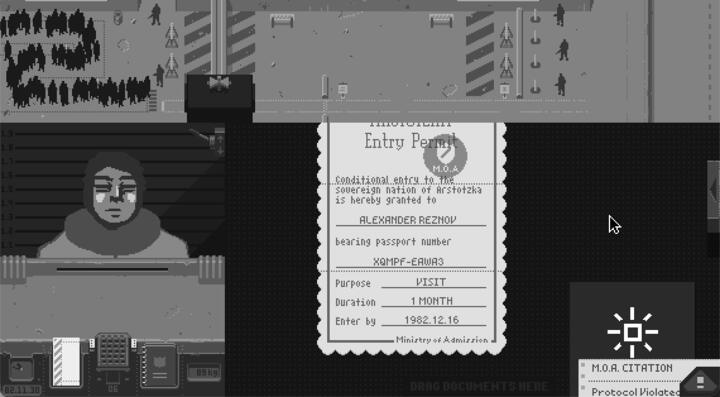
Days 1 to 9 approved, reading every document on the desk.
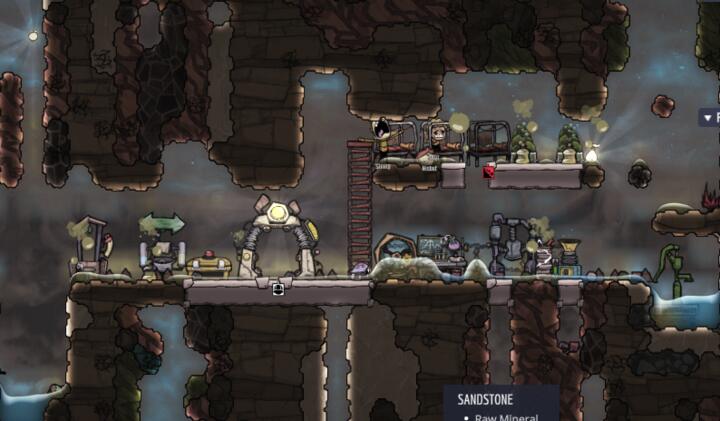
Colony 7, every rule read from the game's own code.
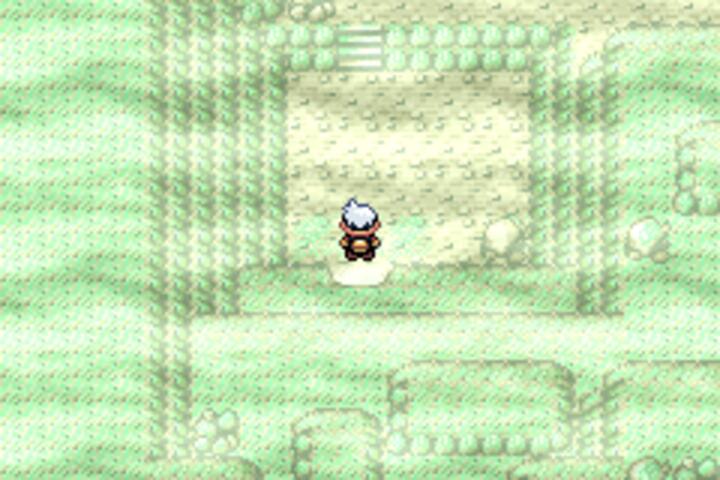
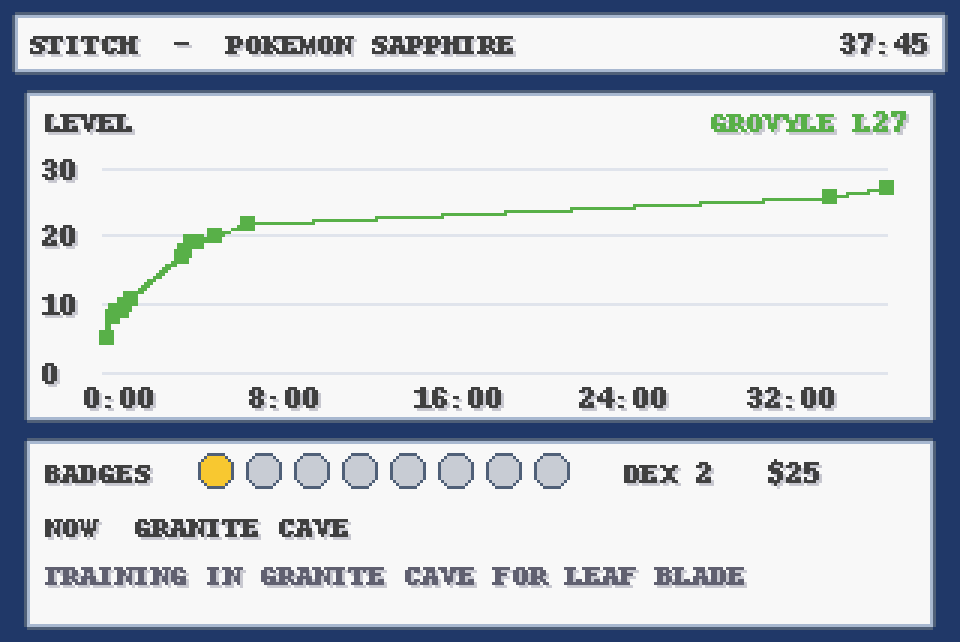
Playing now as Stitch with Treecko. Live progress below.

Our own desert platformer inside Joshua Tree, played from its state lines.

Playing now in Dolphin, reading RAM against the decomp. Live progress below.
Duolingo
Duolingo draws every exercise from a React component, and that component still holds the answer. Duke walks the component tree from the visible widget up to the challenge, reads the right answer and clicks it. A shape it has never seen gets logged and skipped, never guessed.
Driver
One Node runner drives Chromium, signed in as you. Drags and chess moves use a real mouse, because Duolingo ignores synthetic ones.
Chess
A puzzle carries its solution. Bot matches are played by Stockfish, with a bundled engine as the fallback.
Math
Expressions go through math.js. A short list of stubborn levels is still open.
Languages
Choice, word bank, typed, cloze, pairs, translate and stories. It walks the whole tree on its own.
Streak guard
If it is evening and no XP has landed, it finishes a language lesson, even through a pause.
Pace
It measures XP per hour for every course and moves to the best earner when one finishes or stalls.
A small app polls the runner over the LAN or the tunnel. Chess is a real animated board. Language and math show the actual prompt and answer. Pause it or switch tracks from the menu, no terminal needed. Reads are open. Pausing and switching need a token.
It started as a way to keep a streak alive in a busy week and turned into a study of how much of a gamified app is the client grading itself. Automated play is against Duolingo's terms, and the XP still ranks you against real people. Read it, don't run it.